
Setting up your TVNado IPTV subscription is quick and easy. Whether you’re using a Smart TV, FireStick, Android box, or mobile device, this step-by-step guide will help you start watching thousands of live channels, movies, series, and VOD in no time. Enjoy high-quality streaming with friends and family across all your devices.
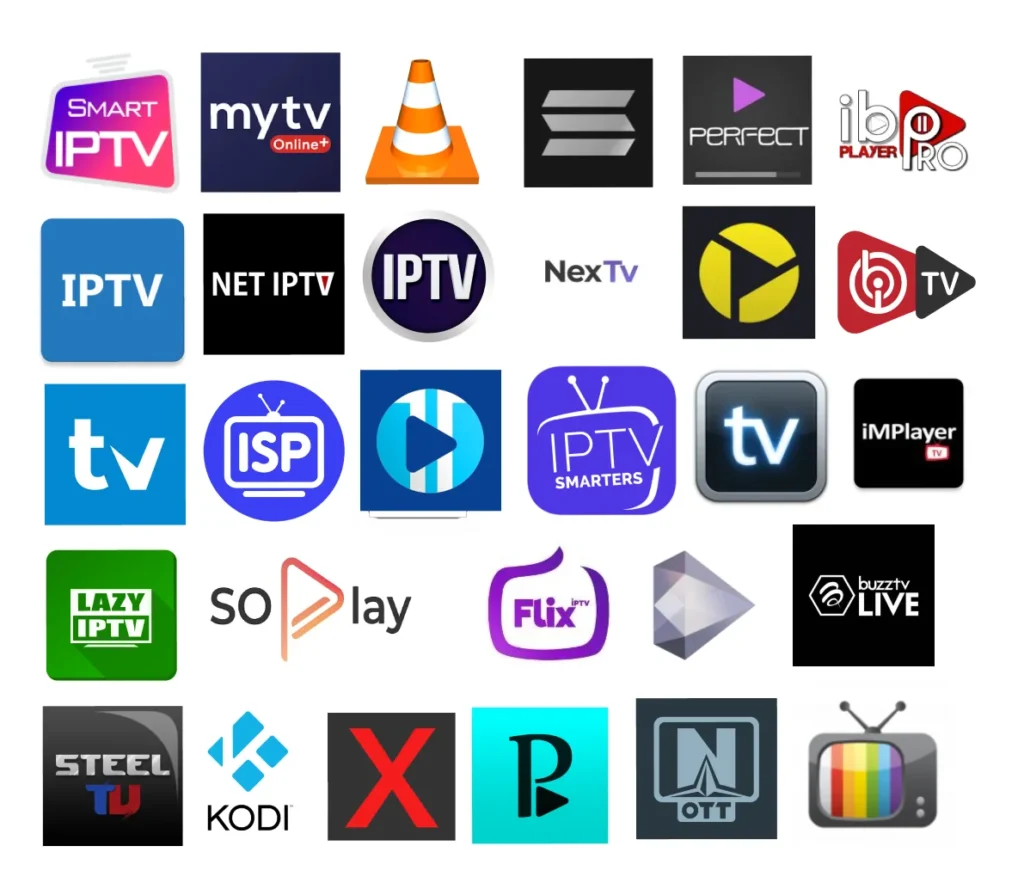
To set up TVNado on a Smart TV, download the recommended IPTV app from your TV’s app store (Samsung, LG, etc.), open it, and enter your TVNado IPTV subscription credentials. You’ll then have instant access to live TV and VOD content.
Yes! TVNado works seamlessly on FireStick and Android TV. Simply install the compatible IPTV player app, log in with your credentials, and start streaming thousands of channels, movies, and series.
TVNado allows multiple devices per subscription depending on your plan. You can stream simultaneously on Smart TVs, FireStick, Android, iOS, tablets, and more, so your family and friends can enjoy TV together.
If you experience buffering, check your internet connection and ensure it is stable. Restart your device, update your IPTV app, and make sure you are using the correct TVNado subscription credentials. Our 24/7 support team is also available to help.
Don’t hesitate to ask everything about us!
TVNado – Leading IPTV USA Provider With 20,000+ Channels & 4K Quality
© 2026 TVNado. All Rights Reserved.